RNGdle login and account help
Updated 2026-10-02
Sign-in on RNGdle is a magic link sent to your email. There is no password. If the link is old, the privacy page says it has already expired.
If the link does nothing
| # | RNGdle login and account help |
|---|---|
| 1 | Request a new link. The published lifetime is five minutes. |
| 2 | Open the newest message, not an older one. |
| 3 | Open the official site directly, rather than a third-party frame. |
The 21 September 2026 note confirms display-name color, favorite badges and sign-out controls in Settings, not a username-renaming feature. We have not verified whether renaming is available. Start at www.rngdle.com.
Verification notes
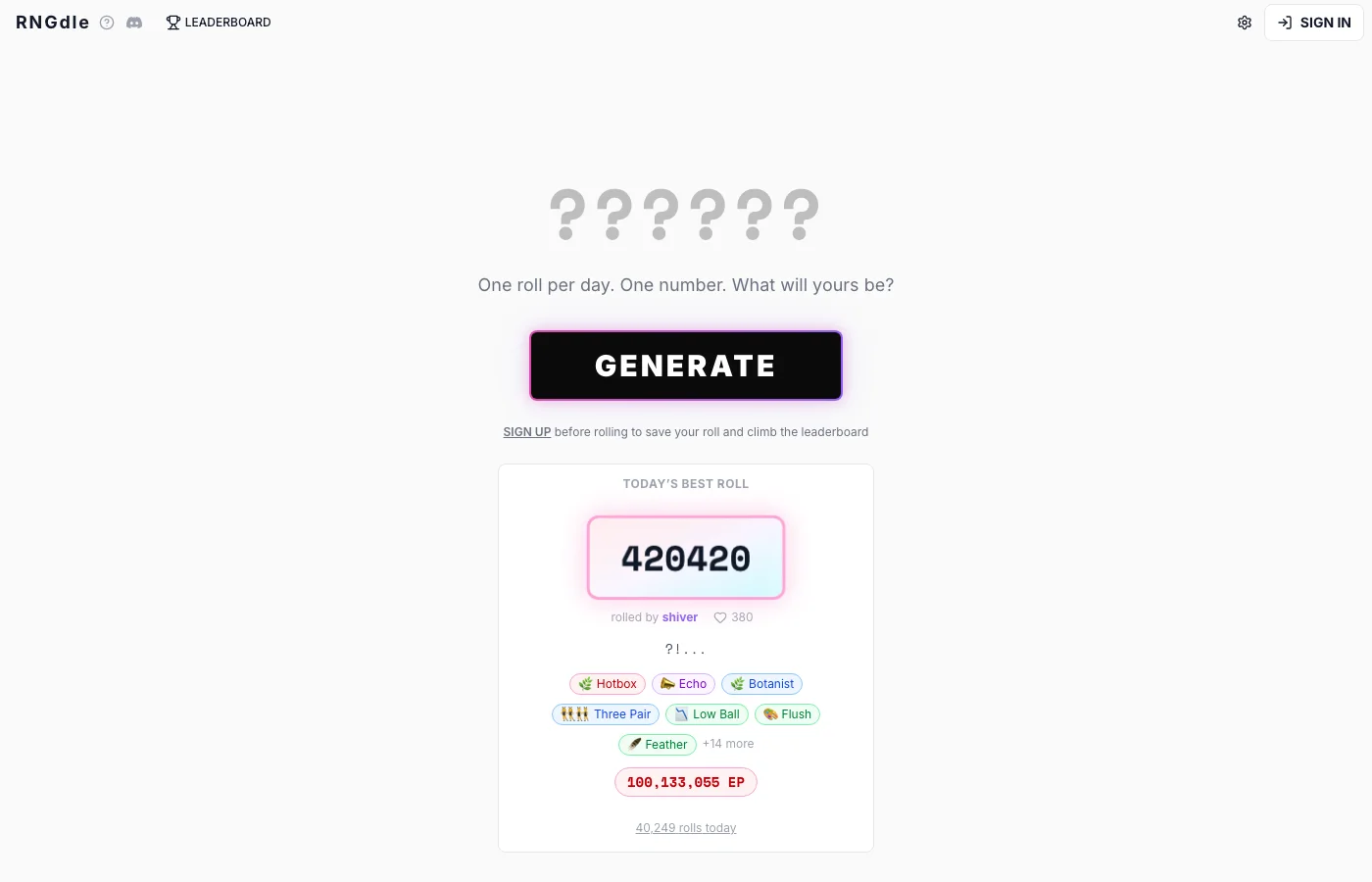
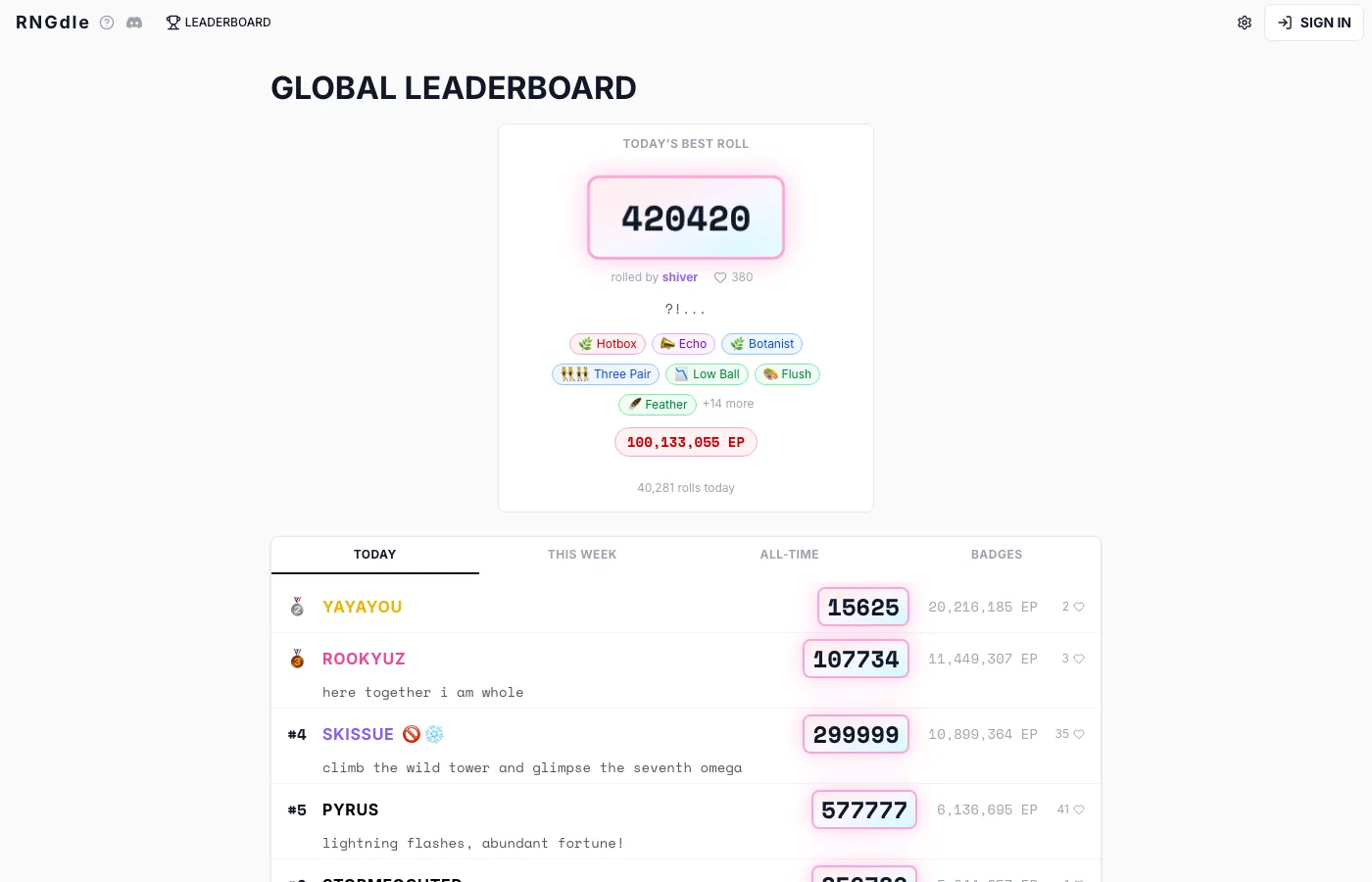
I read the privacy page and the 21 September 2026 changelog note about Settings. Settings is where the official site says you can change theme, display-name color, favorite badges, sign out, and delete the account. I did not create an account while writing this, so I am not describing screens I did not open past the public pages.
Questions people ask
Why can’t I sign in?
The usual published cause is an expired magic link. Request another one from the official Sign in control.
Do you store my email?
No. The contact address on this site is for mail to us. The game account is on rngdle.com.
Sources
- RNGdle privacy checked 2026-10-02
- RNGdle changelog checked 2026-10-02
- RNGdle home checked 2026-10-02